Powered by gpt image 2.0

AI Product Screenshot Generator

Use the AI Product Screenshot Generator to turn your product URL or screenshots into launch-ready visuals for Product Hunt, landing pages, app stores, and social media with gpt image 2.0.

Product screenshot source inputs

Estimate: 11 credits

Upload screenshots0/6
Target platform
Asset type
Output size
Theme
Variants

Preview and export product screenshots

Product Hunt package, 3 sizes

Ready to generate

No job running

0%
Capturing product page
Reading interface
Writing launch copy
Rendering assets

Ready for launch assets

Add a URL or upload screenshots, then generate a mock set of Product Hunt, landing page, and social visuals.

How to

How to use the AI Product Screenshot Generator

The workflow stays focused on product launch assets: add a source, choose the channel, generate variations, and export the screenshot set after quick review.

1

Add a product source

Paste a public product URL or upload real interface screenshots so the generator can start from the product users already recognize.

Best source

Use a live landing page, dashboard screenshot, app screen, or feature view with clear UI and readable product copy.
2

Choose the launch channel

Select Product Hunt, landing page, social, app store, or Chrome Store targets, then combine formats such as hero mockups, feature cards, and OG images.

Best setup

Pick multiple sizes when you need one visual direction to work across launch galleries, ads, posts, and website sections.

3

Generate, refine, and export

Preview the generated assets, edit the headline or subtitle, rerender a card when needed, and download the mock asset set for review or handoff.

Best output

Keep one primary message per screenshot so each image explains the product value without crowding the interface.

Why choose

Why choose this AI Product Screenshot Generator

A launch team needs more than a raw screenshot. The page combines source capture, brand setup, channel-aware layouts, and export review so the first visual draft is already useful.

Built around launch intent

Most screenshot workflows stop at capture. This page turns the screenshot into a launch asset with platform sizing, messaging, and export controls in one place.

Designed for SaaS and AI tools

The layouts favor clean UI frames, product proof, feature callouts, and calm brand treatment instead of generic stock-style mockups.

Fast enough for iteration

Teams can test several product stories, colors, and channel formats before sending final art to design, marketing, or founder review.

Structured for future automation

The mock generation flow already separates capture, copy, render, preview, edit, and export so real AI services can replace each mocked step cleanly.

Model

Powered by gpt image 2.0 for product screenshot assets

This page is designed around gpt image 2.0 because product screenshots often need more than a clean capture. The model helps combine interface references, concise launch copy, brand color, and channel composition into polished marketing visuals.

Text-aware launch graphics

gpt image 2.0 is used here for image generation tasks that need product UI, readable launch copy, and a composed marketing layout in the same asset.

Reference-driven product visuals

The workflow can start from your screenshots, then use gpt image 2.0 to frame the interface inside polished hero images, feature cards, and social previews.

Consistent multi-size variants

A single product story can be adapted into several channel formats while keeping brand color, message, and screenshot context aligned.

Example images

AI Product Screenshot Generator examples from bananaai.pro

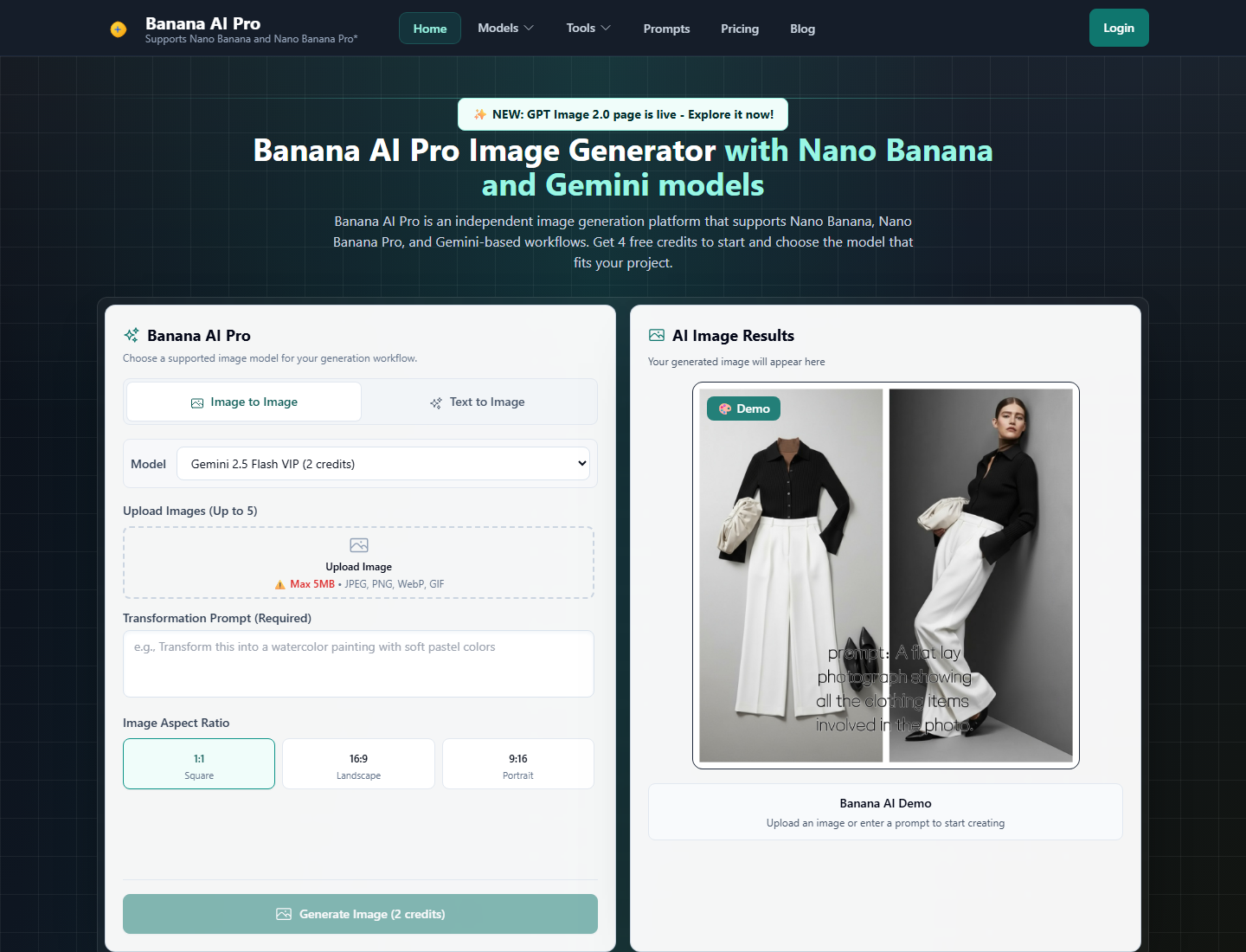
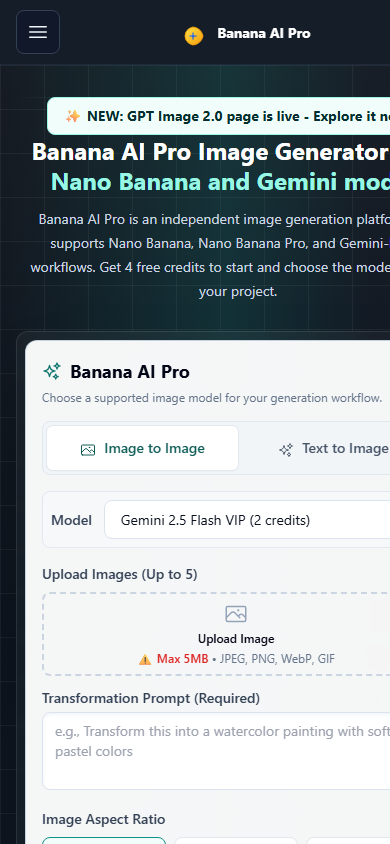
These assets are saved in the page image folder. The source screenshots come from https://bananaai.pro/, then the preview images show how the same product UI can become launch galleries, landing heroes, social posts, app screenshots, and store listing visuals.

Source screenshots from bananaai.pro

Desktop screenshot of the bananaai.pro homepage used as a product source example

bananaai.pro homepage desktop

Desktop homepage screenshot captured from https://bananaai.pro/ for source-input examples.

Mobile screenshot of the bananaai.pro homepage used as a product source example

bananaai.pro homepage mobile

Mobile homepage screenshot captured from https://bananaai.pro/ for app-style screenshot examples.

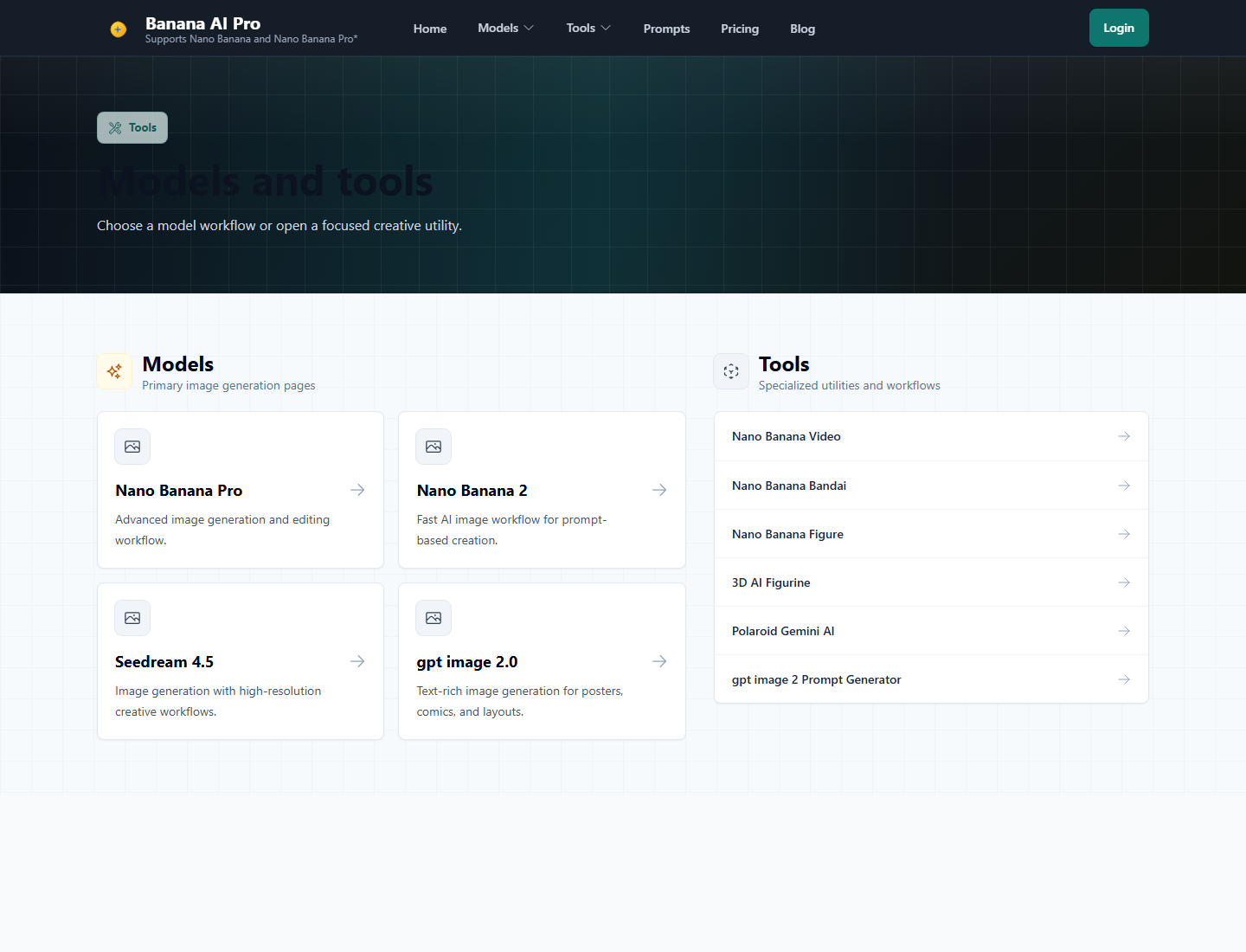
Desktop screenshot of the Banana AI Pro tools page

Banana AI tools directory

Tools page screenshot captured from https://bananaai.pro/tools for multi-tool launch visuals.

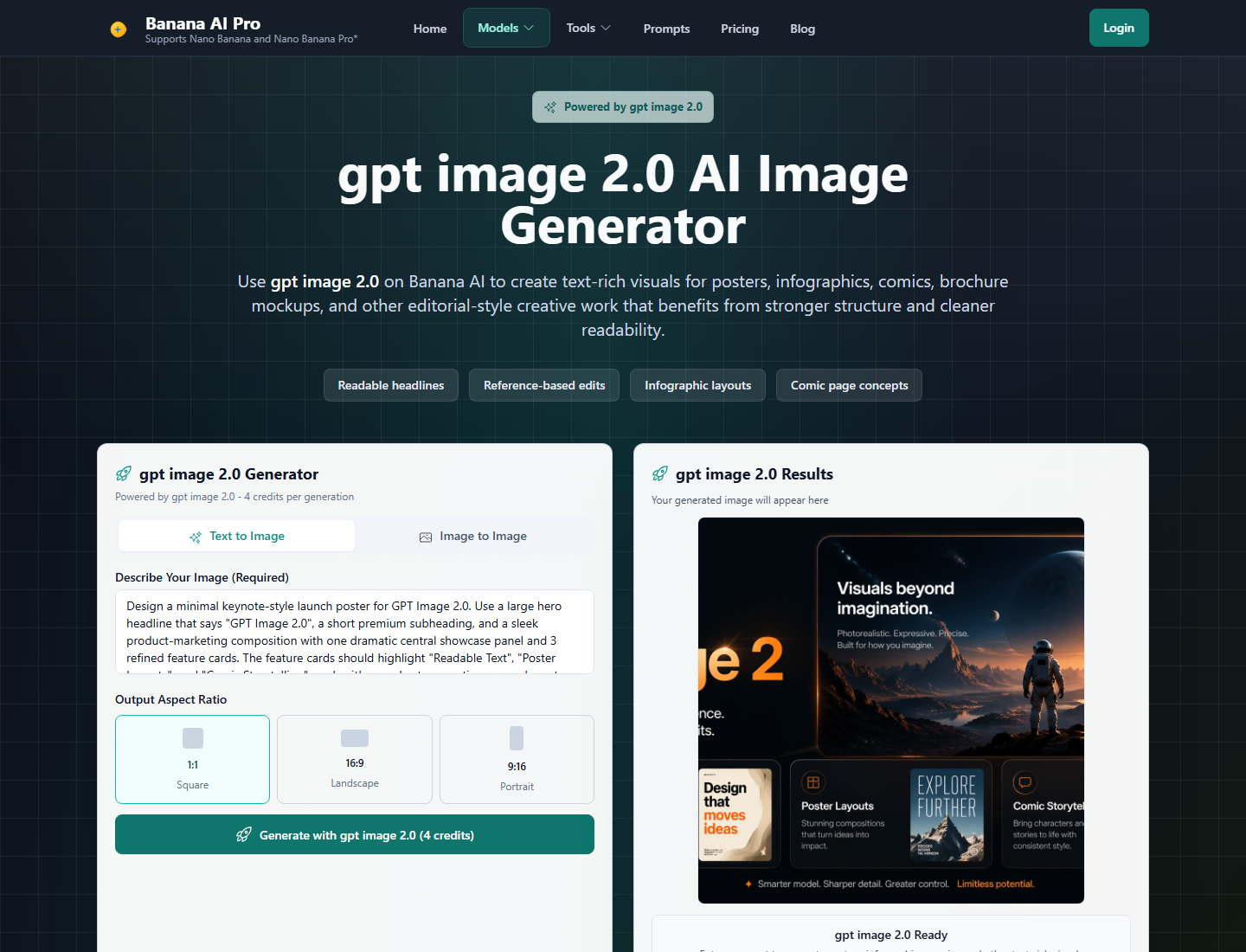
Desktop screenshot of the Banana AI Pro gpt image 2.0 page

gpt image 2.0 page

Model page screenshot captured from https://bananaai.pro/tools/gpt-image-2 for model-specific examples.

Generated preview assets for this page

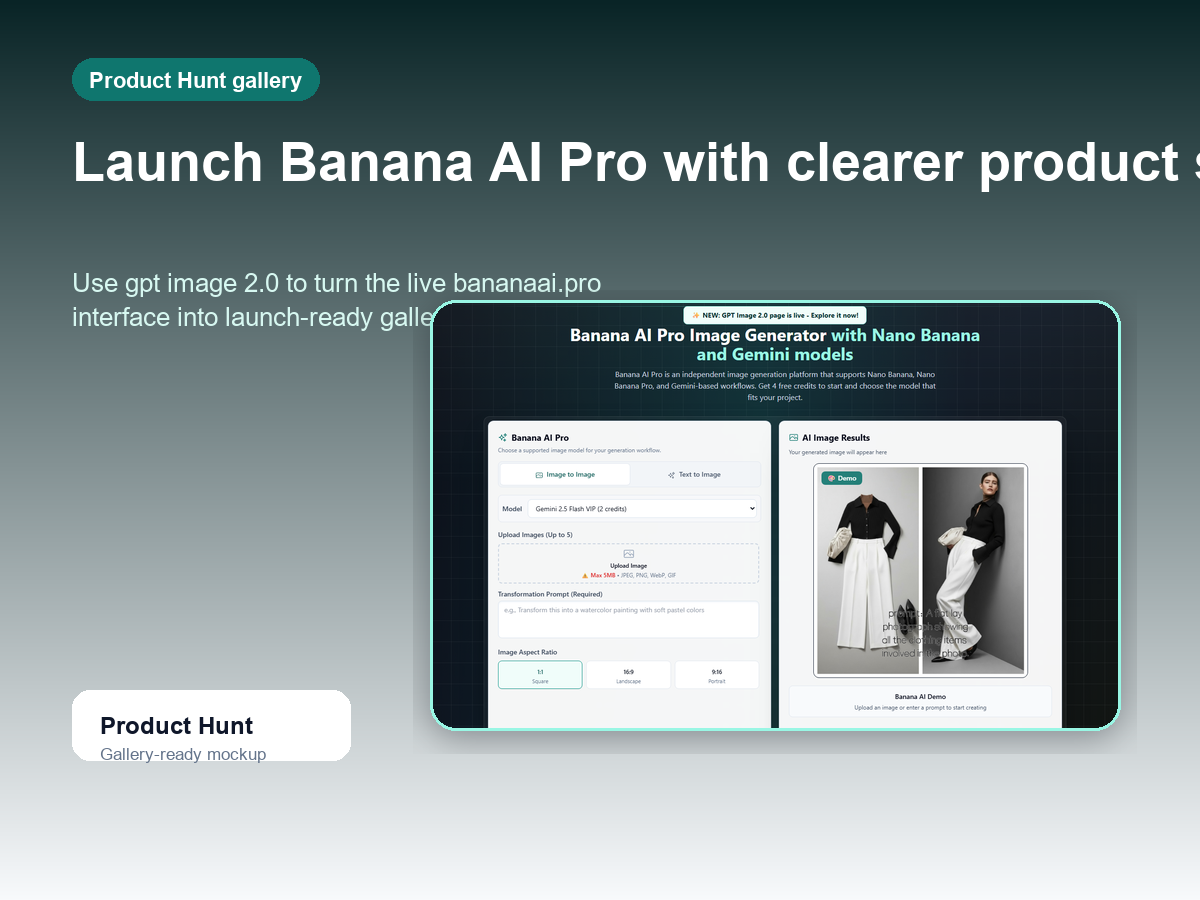
Product Hunt gallery preview generated from the bananaai.pro homepage screenshot

Product Hunt gallery preview

A launch-gallery composition built from the live bananaai.pro homepage screenshot.

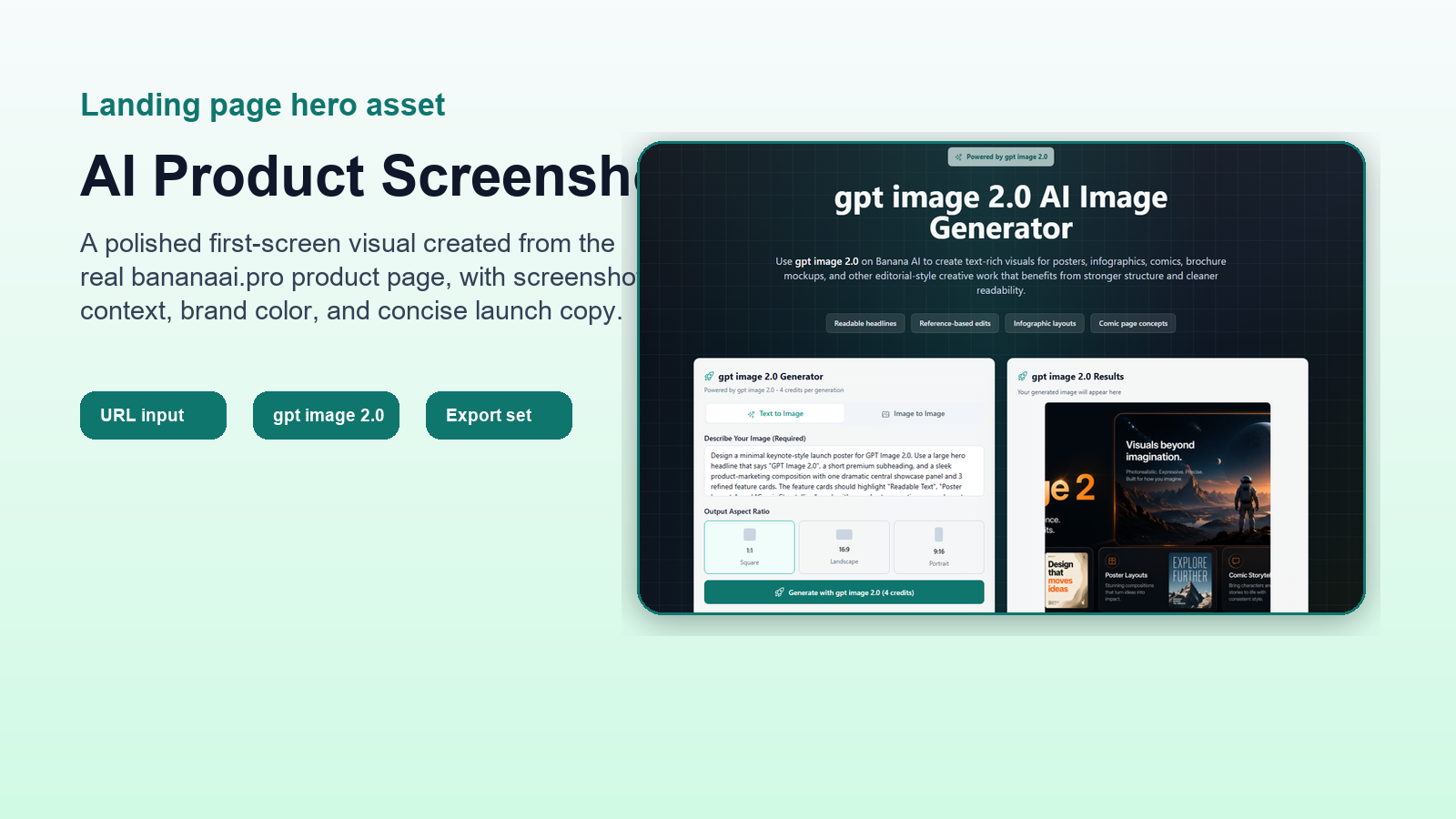
Landing page hero preview generated from the bananaai.pro gpt image 2.0 screenshot

Landing page hero preview

A wide landing hero asset using the bananaai.pro gpt image 2.0 page screenshot.

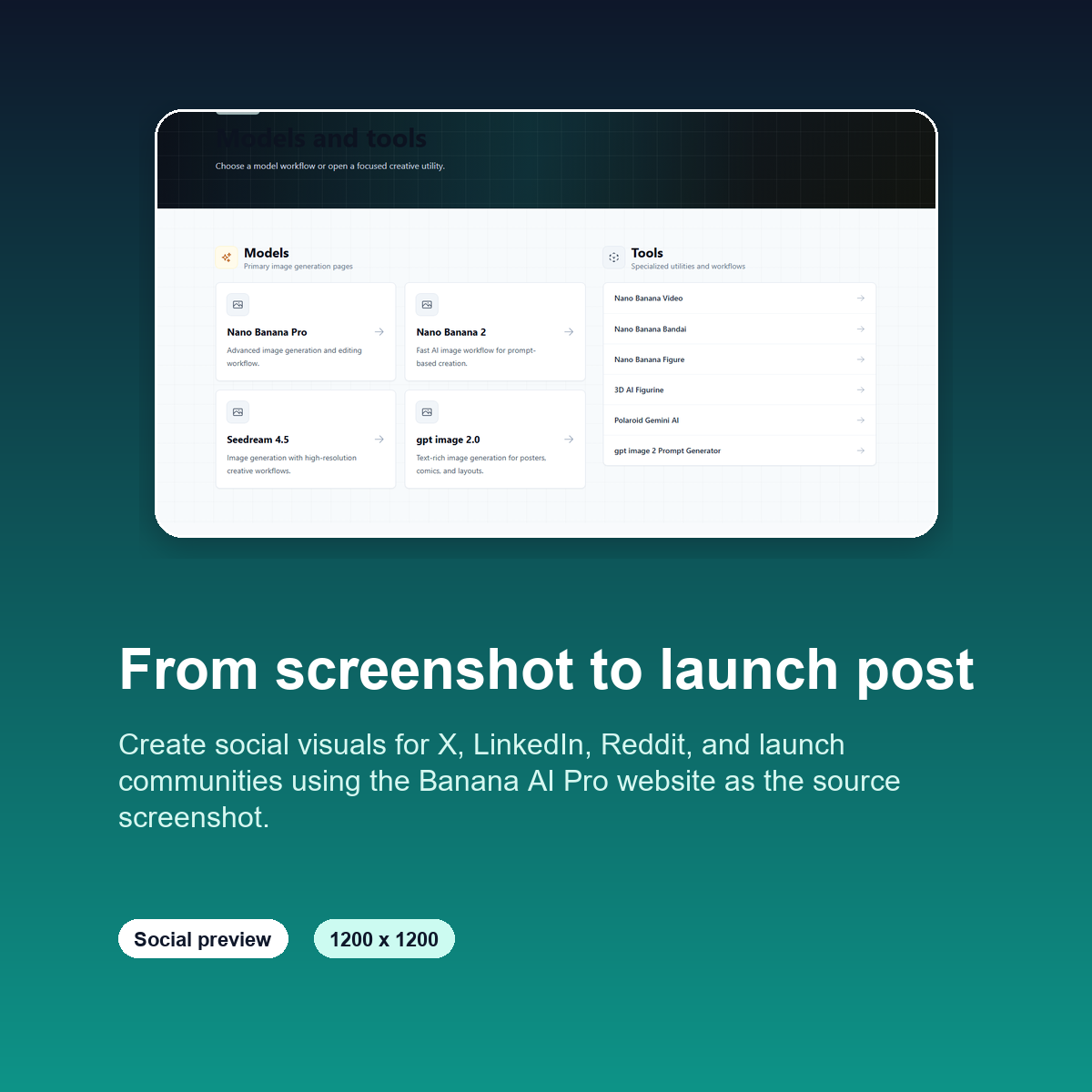
Square social card preview generated from bananaai.pro screenshots

Social card preview

A square social post preview for launch channels and product updates.

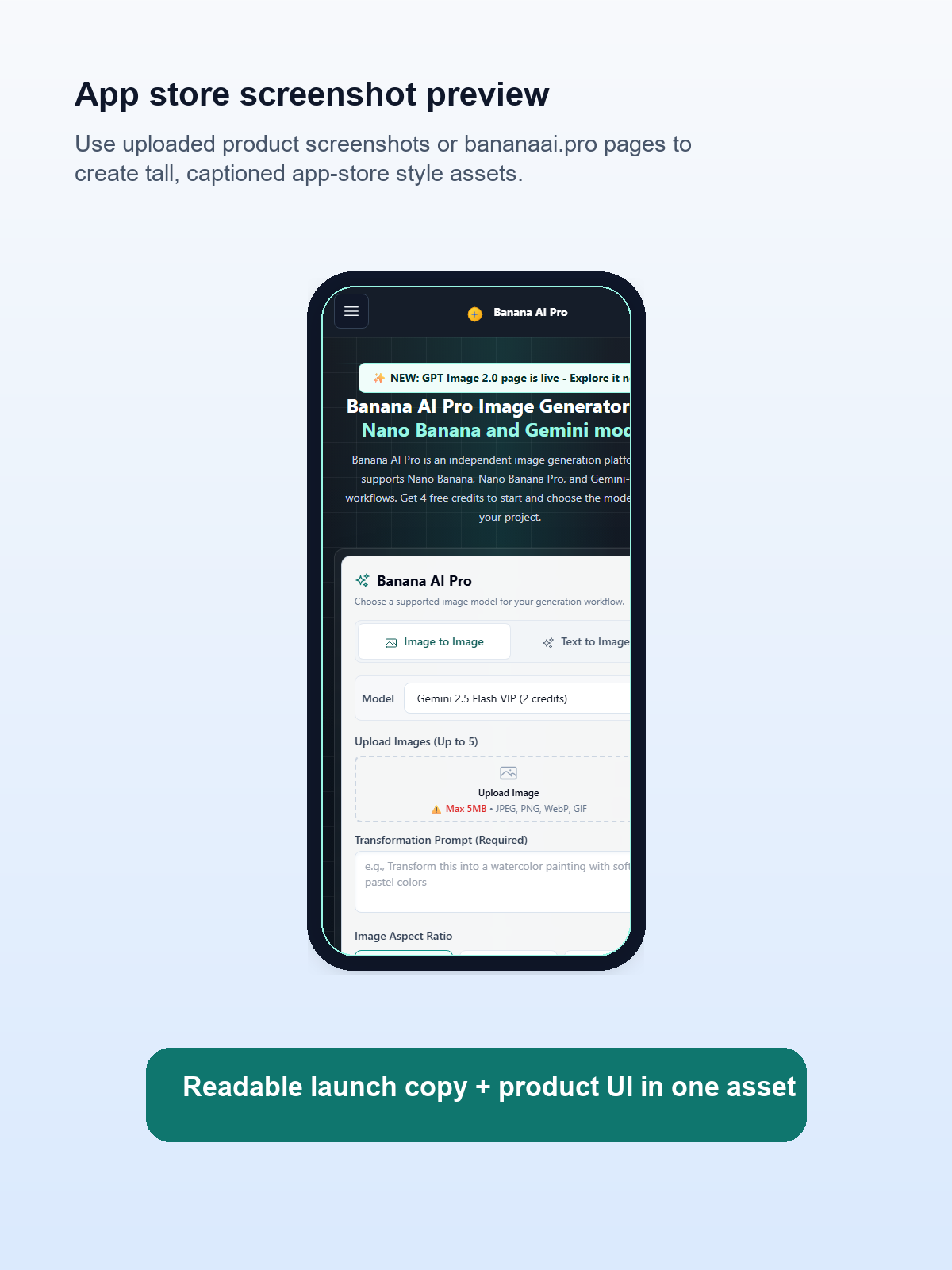
App store preview generated from the mobile bananaai.pro homepage screenshot

App store preview

A tall app-store style visual using the mobile bananaai.pro screenshot.

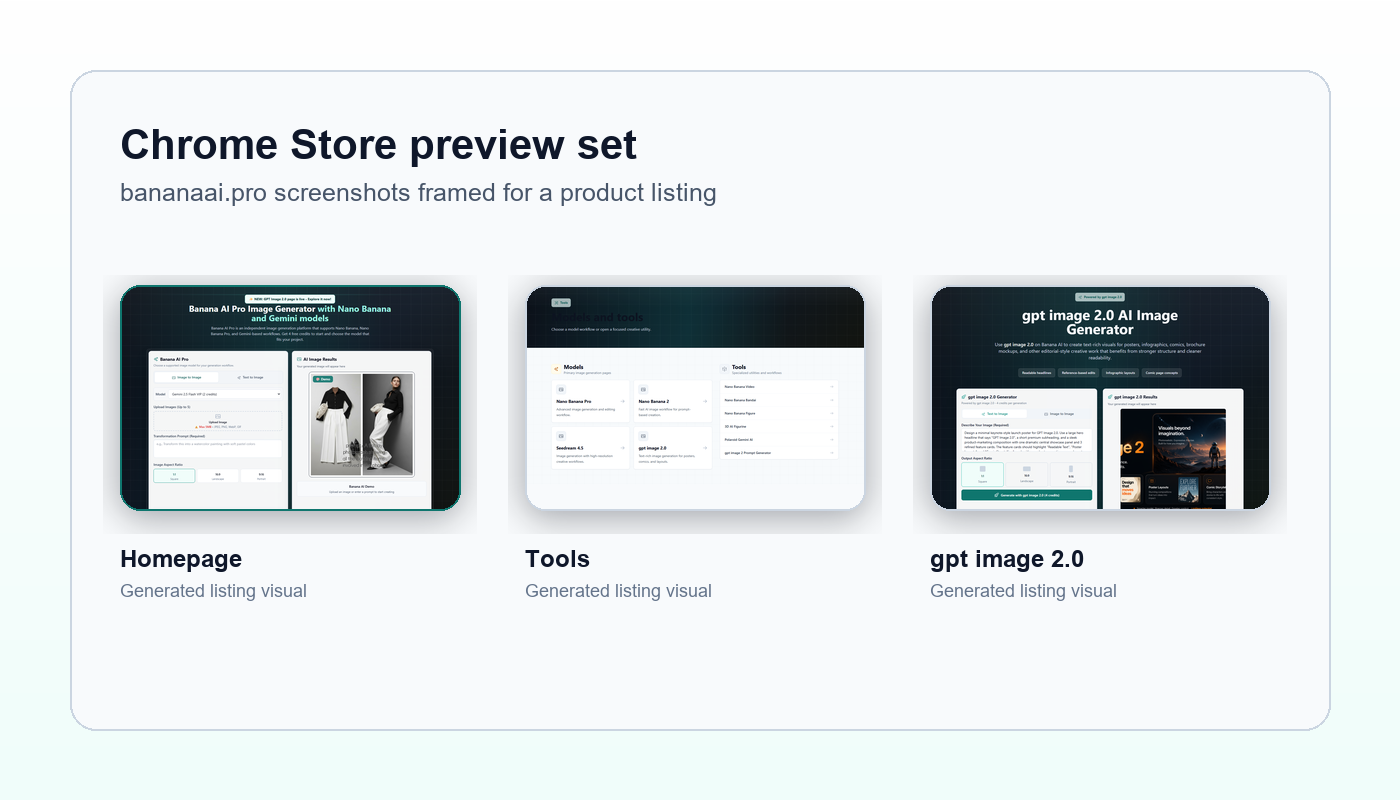
Chrome Store preview generated from several bananaai.pro screenshots

Chrome Store preview

A listing-style preview made from the homepage, tools, and gpt image 2.0 screenshots.

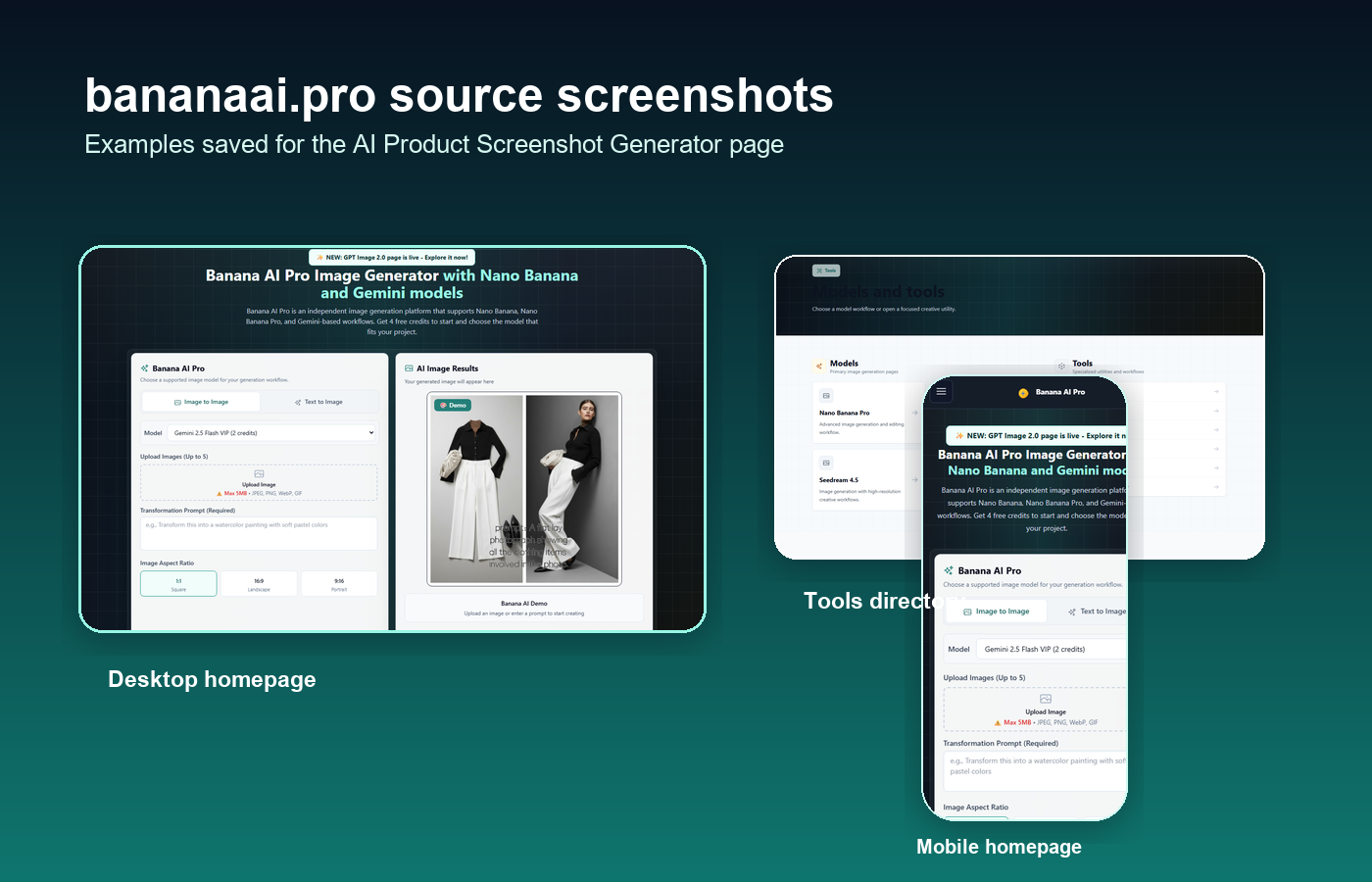
Collage of bananaai.pro source screenshots for the product screenshot generator page

Source screenshot collage

A collage showing the source screenshots saved for this page asset set.

Features

AI Product Screenshot Generator features

The tool is organized around the same decisions founders, marketers, and product designers make before a launch: source quality, target channel, message, and export format.

Source-aware screenshot input

Start from a URL or uploaded screenshot and keep the product interface at the center of every generated visual.

Input controls

  • Public URL field
  • Screenshot upload
  • Product name and description
  • Primary brand color

Launch-format asset planning

This generator organizes output around where the screenshot will be published, not only around canvas dimensions.

Supported targets

  • Product Hunt gallery
  • Landing page hero
  • Social post
  • App store and Chrome Store

Preview, copy edit, and export

Generated cards stay editable so you can tighten headlines, refresh a variation, and download the asset without leaving the page.

Review actions

  • Large preview modal
  • Local headline edits
  • gpt image 2.0 generation workflow
  • Download and export flow
FAQ

AI Product Screenshot Generator FAQ

These answers explain what the page generates, which inputs work best, and how the current mock workflow fits into a production-ready launch asset pipeline.

What is the AI Product Screenshot Generator?

It is a browser-based tool for turning a product URL or uploaded UI screenshots into launch-ready mockups for Product Hunt, landing pages, app stores, and social posts.

How does this product screenshot generator create assets?

The current version creates a mock generation job, reads your source settings, builds platform-specific templates, and returns editable preview assets. The intended production workflow uses gpt image 2.0 for image generation and layout rendering.

Why use gpt image 2.0 for product screenshot assets?

gpt image 2.0 is useful for product launch graphics because it can combine a screenshot reference, brand styling, readable text, and a composed marketing layout for channel-specific assets.

Can I make Product Hunt and app store screenshots?

Yes. Choose Product Hunt, landing page, social, app store, or Chrome Store as the target, then select output sizes and asset types that match the channel you are preparing for.

Do I need a public URL to use the tool?

No. A public URL is helpful, but you can also upload product screenshots when your app is private, unreleased, or easier to represent with selected interface images.

What can I edit before export?

You can edit asset headlines and subtitles, rerender a mock variation, preview each card at a larger size, and download individual files or the generated asset package.