gpt image 2.0 AI Image Generator
Use gpt image 2.0 on Banana AI to create text-rich visuals for posters, infographics, comics, brochure mockups, and other editorial-style creative work that benefits from stronger structure and cleaner readability.
gpt image 2.0 Generator
Powered by gpt image 2.0 - 4 credits per generation
gpt image 2.0 Results
Your generated image will appear here
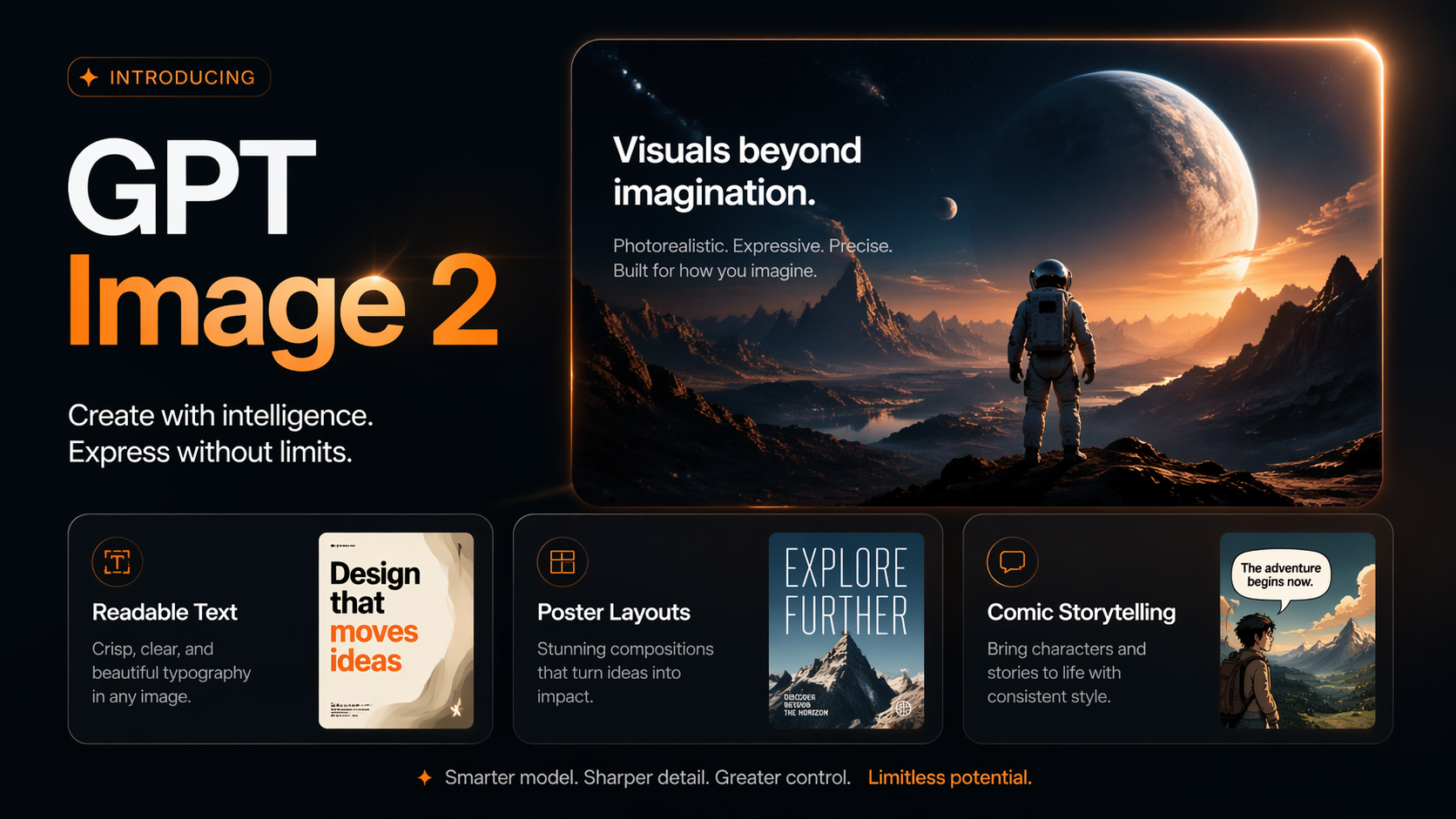
gpt image 2.0
Placeholder preview
This page is operated by Banana AI Pro, an independent AI creation platform. It is not an official page of OpenAI and is not affiliated with, endorsed by, or sponsored by OpenAI. Banana AI Pro provides access to gpt image 2.0 through its own interface, workflow, and supporting features.
Why creators use gpt image 2.0
The strongest early reactions are not about style alone. They are about how much more usable the output becomes when the image needs structure, copy, and design intent.
Text-Heavy Visuals
Best suited for posters, infographics, menus, editorial covers, and layouts that need readable titles, labels, and short copy blocks.
Reference-Friendly Editing
Use sketches, product photos, mood boards, or existing assets as guidance when you want tighter control over composition and art direction.
Finished-Looking Layouts
Strong at outputs that already feel like design comps instead of raw generations, which makes iteration faster for content and marketing teams.
Flexible Output Sizes
Useful for social posts, story ratios, presentation graphics, brochure mockups, and other multi-format creative workflows.
Popular gpt image 2.0 use cases
The most interesting examples around gpt image 2.0 are not generic art prompts. They are structured visuals that combine layout, copy, and image generation in one step.
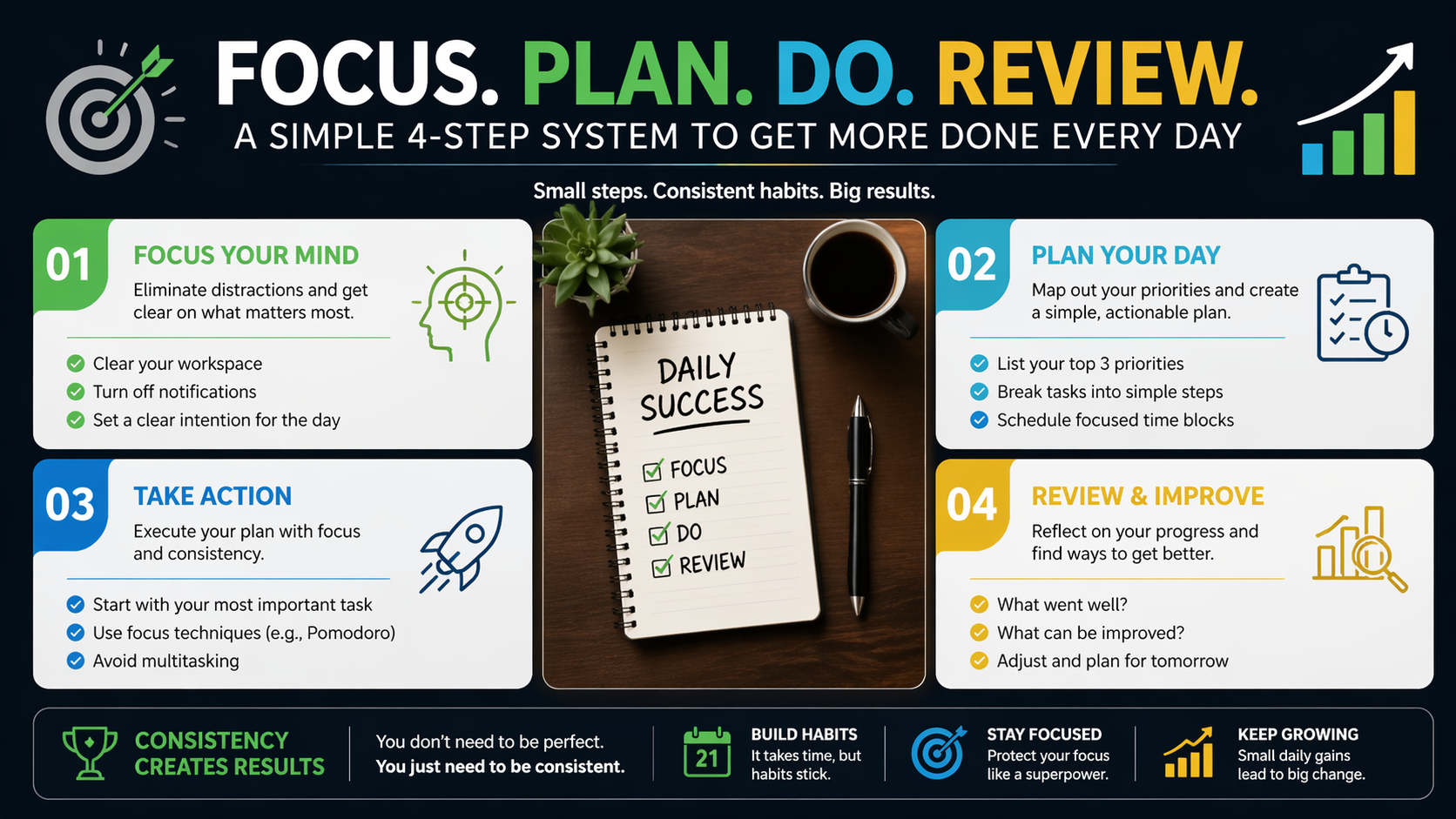
One-Shot Infographic Layouts
Popular because the output already looks close to a publishable slide or social asset.
Prompt starter
Create a clean one-page infographic about [topic]. Use a bold title, 4 clearly separated sections, concise labels, small icons, visual hierarchy, and a polished editorial layout with readable copy.
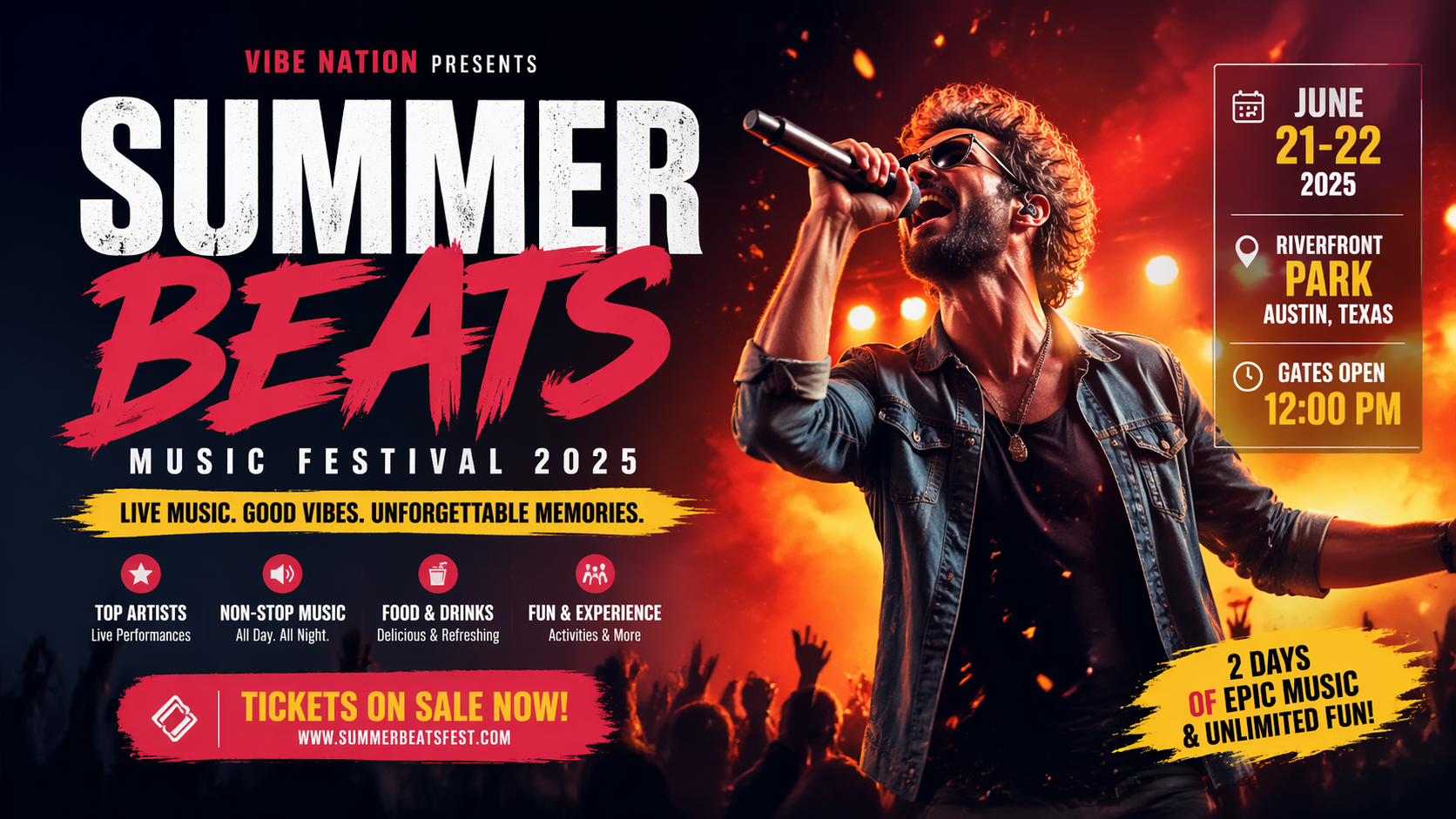
Posters, Flyers, and Menus
A strong fit when the design needs headline text, supporting copy, imagery, and layout all in one pass.
Prompt starter
Design a bold promotional poster for [event or product]. Include a headline, subheading, short supporting text, a clear details block, strong typography hierarchy, and a commercial layout ready for social sharing.
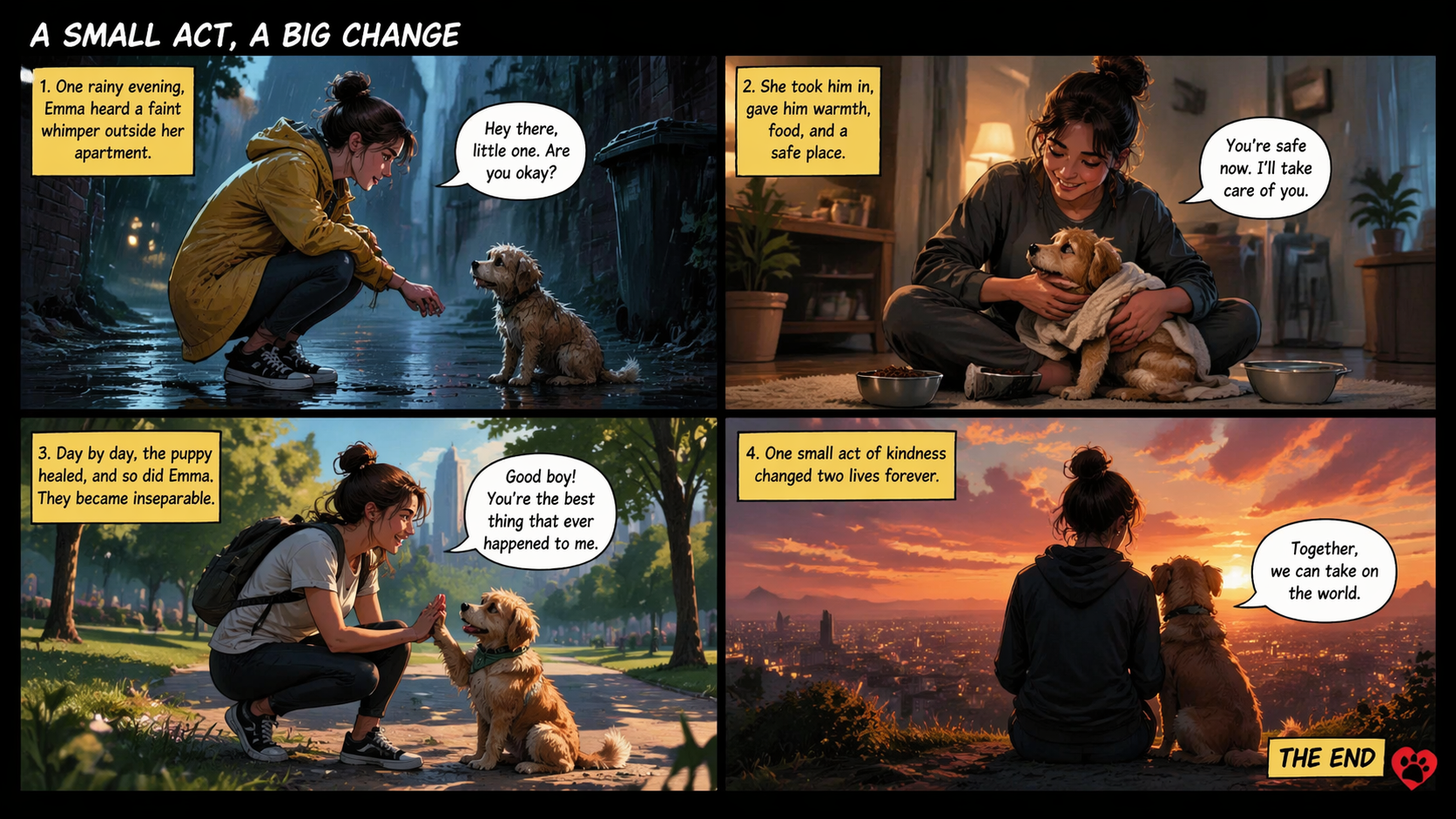
Comic Pages and Storytelling
Creators are using it for multi-panel pages with captions, dialogue, and structured pacing.
Prompt starter
Create a 4-panel comic page about [story idea]. Keep the main character visually consistent, use readable speech bubbles, cinematic framing, clear panel flow, and a finished comic-book page layout.
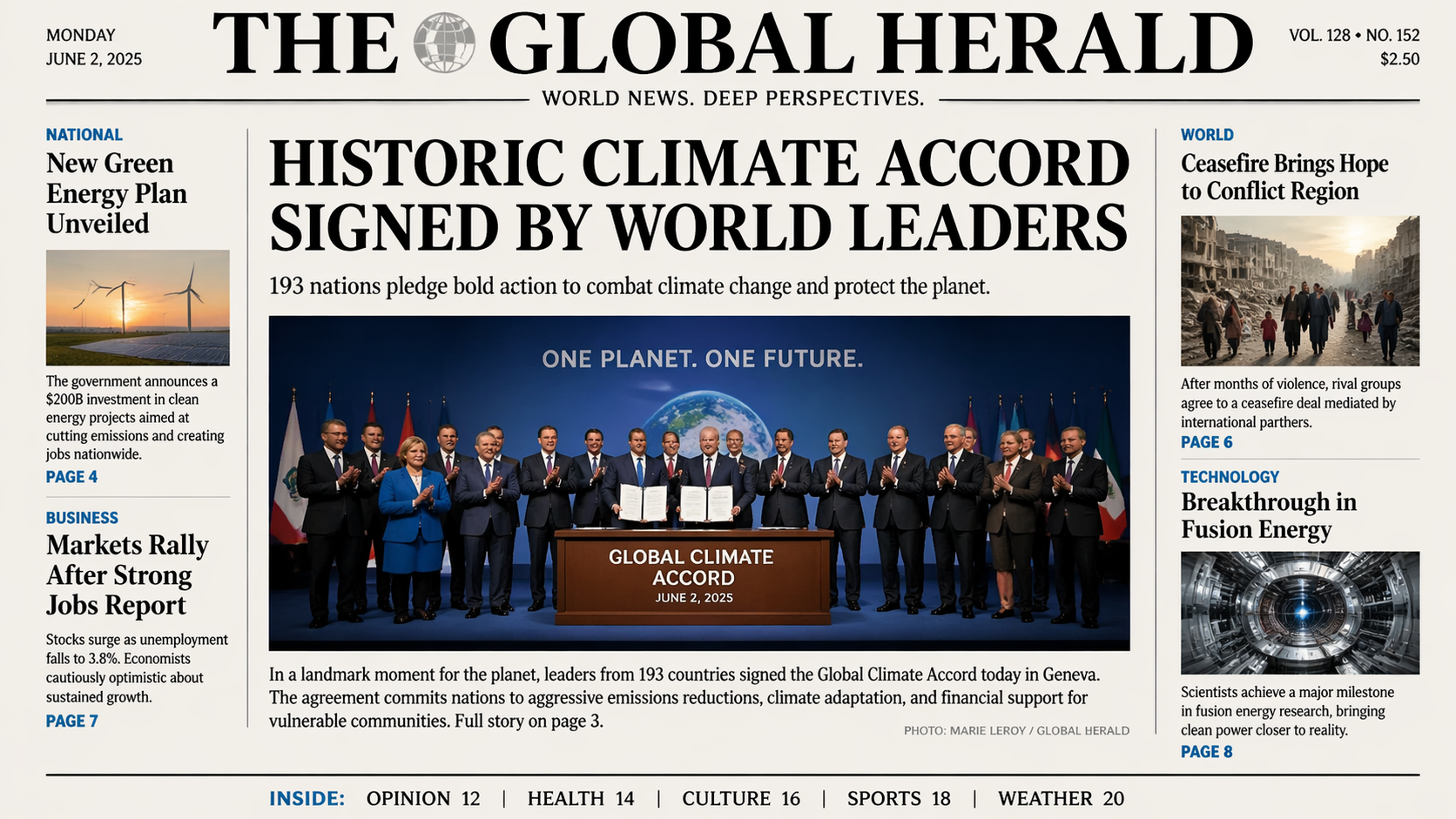
Fictional Newspapers and Magazine Covers
Good for concept visuals that need a masthead, supporting cover lines, and editorial balance.
Prompt starter
Design a fictional newspaper front page about [topic]. Include a masthead, main headline, 3 supporting headlines, image blocks, short blurbs, and an authentic editorial structure with readable text.
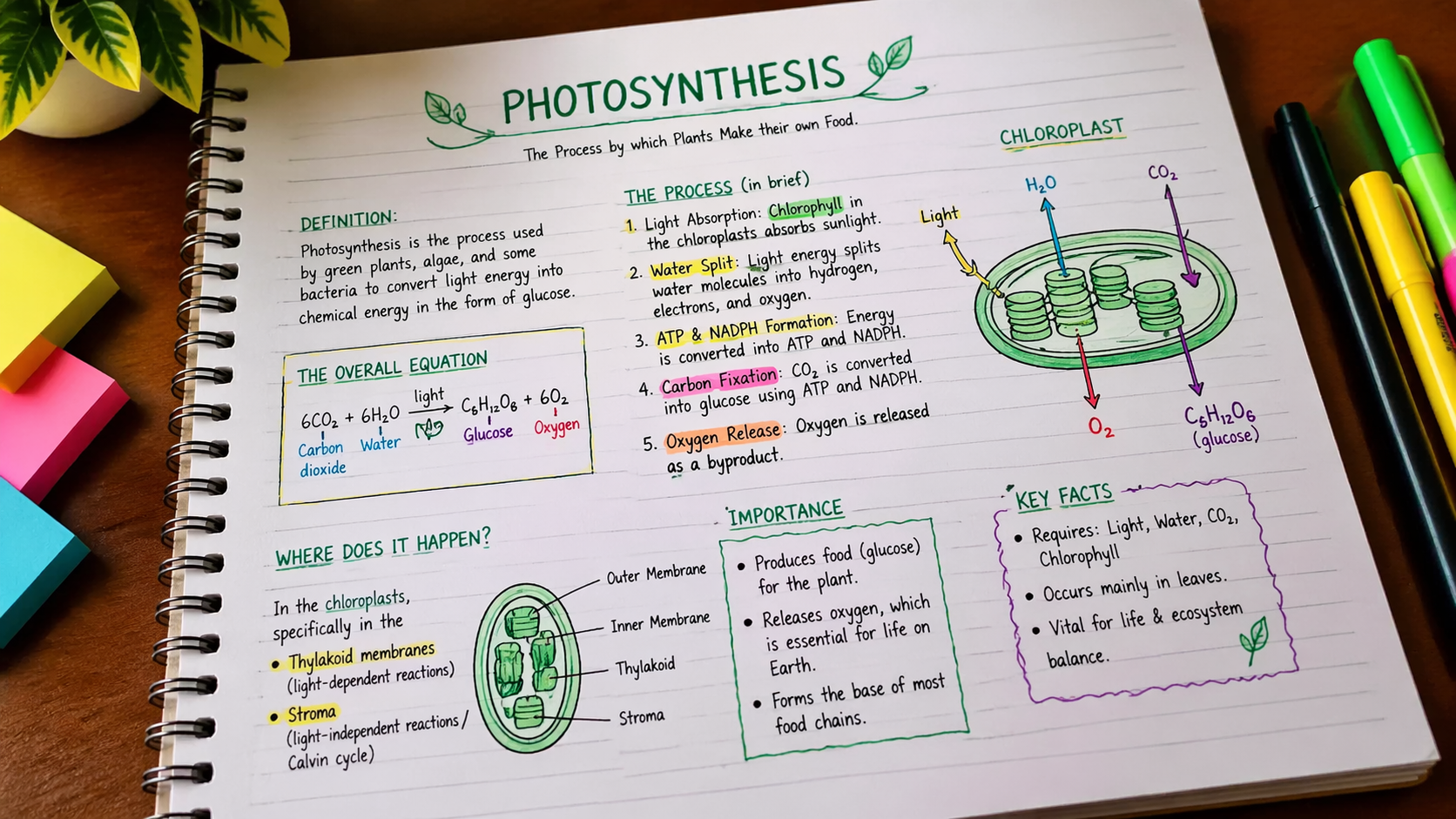
Handwritten Study Notes and Explainers
Useful for classroom visuals, notebook pages, concept summaries, and educational social content.
Prompt starter
Create a photographed notebook page explaining [topic]. Use handwritten headings, arrows, highlighted terms, small diagrams, and a realistic study-note layout with readable annotations.
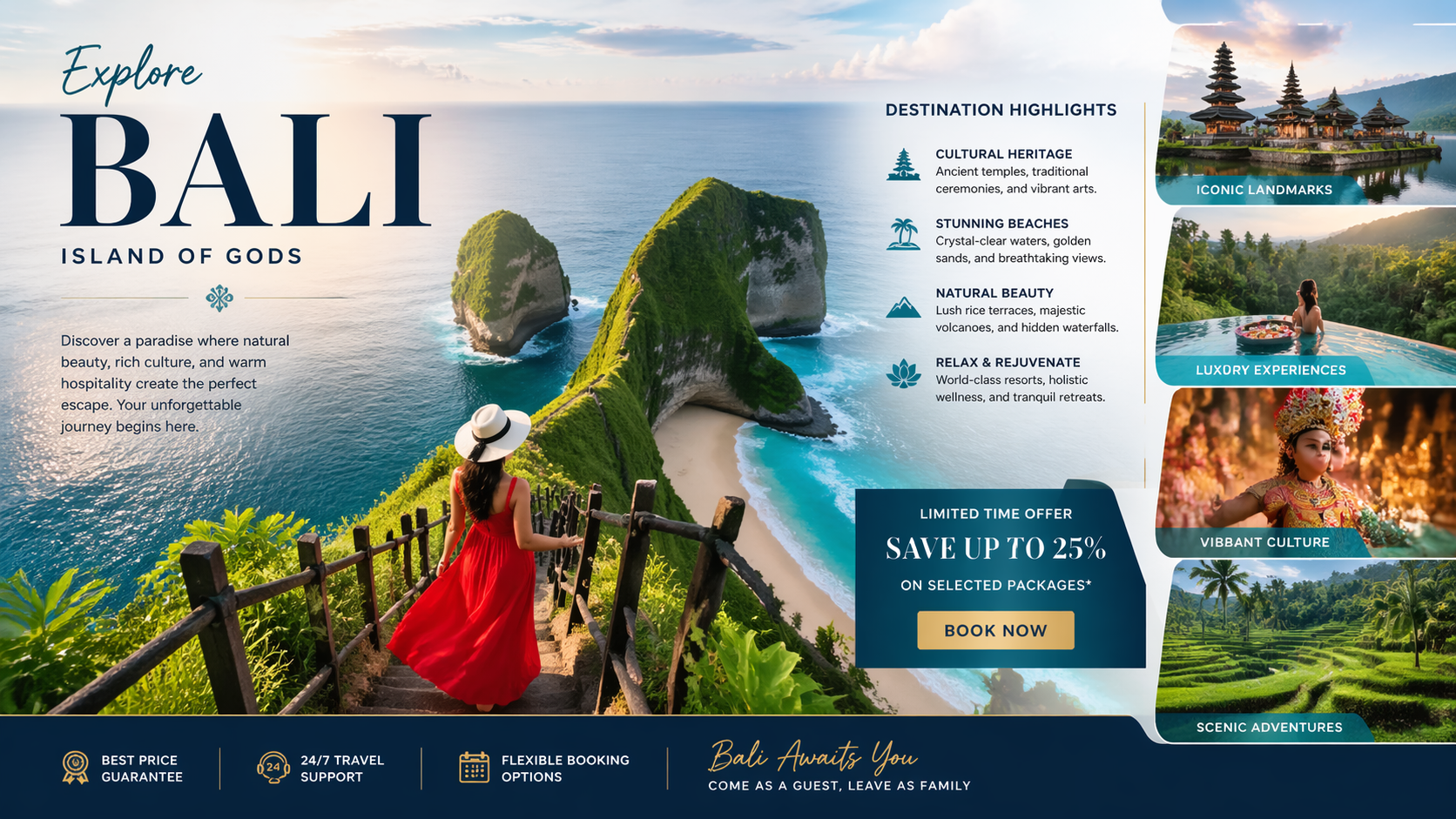
Travel Brochures and Brand Creatives
Well suited to campaign mockups where copy hierarchy matters as much as the image style.
Prompt starter
Design a premium travel brochure for [destination]. Include a hero title, short destination highlights, section headings, promo copy, supporting image blocks, and a clean tourism marketing layout.
How to use gpt image 2.0
Start with a clear output format, then tighten the prompt around layout, hierarchy, and readability.
Name the output
Say whether you want a poster, infographic, comic page, brochure, magazine cover, or study-note layout. That framing matters more than abstract style adjectives.
Define structure and copy
Include headline type, section count, label style, and text density. For edit workflows, upload a sketch or reference image to guide composition.
Generate and refine
After the first draft, refine spacing, wording, or hierarchy with a tighter follow-up prompt. Small prompt edits usually get better results than rewriting everything.
gpt image 2.0 FAQ
Quick answers to the most common questions about what gpt image 2.0 is good at and how to use it well.
What is gpt image 2.0?
gpt image 2.0 is OpenAI's latest image generation and editing model. It is especially useful for visuals that combine imagery with structured copy and layout.
What is gpt image 2.0 best for?
It is a strong fit for posters, infographics, comics, brochures, menus, editorial covers, and other design-heavy images that need readable text.
Can gpt image 2.0 generate readable text inside images?
It performs better than older image workflows on headlines, labels, captions, and short copy blocks. Exact layouts can still benefit from prompt refinement or a second pass.
Does gpt image 2.0 support image editing?
Yes. It can be used for image-guided workflows, which makes it useful for reference-based composition changes, style direction, and iterative edits.
Is gpt image 2.0 free to try?
Yes. New users receive free credits on Banana AI, which lets you test prompts and compare outputs before upgrading.
Related pages worth linking next
Placeholder visuals are deliberate
This page is ready to launch with temporary visuals. Once you have final artwork, replace the placeholder asset and update the OG image to match.