Text-to-Image Generation
Turn a written brief into a new 4K image by describing the subject, setting, composition, lighting, and visual style you need.
Generate new 4K images from text or edit an existing image with up to five references. Choose a 1:1, 16:9, or 9:16 aspect ratio and create each result for 10 credits.
Powered by Nano Banana v2 (model: nano-banana-2) - 10 credits per generation
Your Nano Banana 2 generated image will appear here
This page is operated by Banana AI Pro, an independent AI creation platform. It is not an official page of Google and is not affiliated with, endorsed by, or sponsored by Google. Banana AI Pro provides an independent interface for the Nano Banana 2 workflow. Generation requests use the provider model identifier nano-banana-2.
Nano Banana 2 is the product name for Gemini 3.1 Flash Image. Google introduced the model on February 26, 2026, with a focus on high-fidelity image generation, faster advanced editing, and improved world knowledge. Read the official Google announcement for the model release details.
“Nano Banana 2 (Gemini 3.1 Flash Image) delivers Pro-level intelligence and fidelity for all image applications.”
Quote attributed to Google, Build with Nano Banana 2, published February 26, 2026.
On Banana AI Pro, the provider model identifier is nano-banana-2. The workspace supports text-to-image generation, image-to-image editing with up to five references, and three common aspect ratios. This page is operated independently by Banana AI Pro and is not an official Google product page.
Turn a written brief into a new 4K image by describing the subject, setting, composition, lighting, and visual style you need.
Upload up to five reference images, explain which details must remain unchanged, and describe the edit you want to make.
Create square 1:1, landscape 16:9, or portrait 9:16 assets for product pages, presentations, ads, and social publishing.
Specify framing, camera angle, lighting, object relationships, and text placement in one instruction for a more controlled first result.
Use a source image and a targeted follow-up prompt to adjust one weak area without rewriting the entire creative brief.
Every request shows its 10-credit cost before generation. Your available credit balance is checked before a task is submitted.
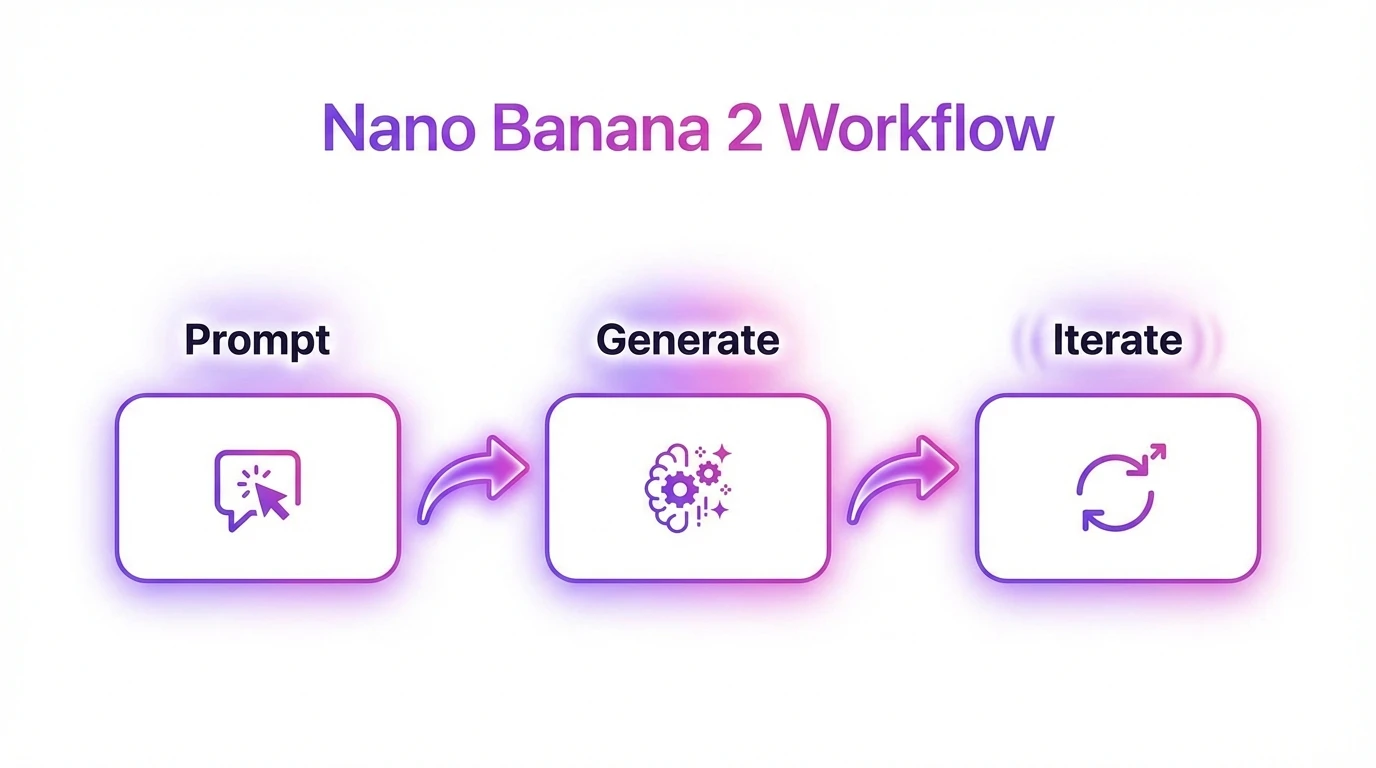
Start with text-to-image for a new concept, or choose image-to-image and upload up to five reference images for a controlled edit.
Write the subject, scene, composition, lighting, text, and details that must stay unchanged, then choose a 1:1, 16:9, or 9:16 aspect ratio.
Generate the image for 10 credits, review the result, and use a focused follow-up prompt when one element needs adjustment.
Choose a dedicated image editor, compare another model, browse related creative tools, or read practical workflow guides before starting your next generation.
Start with one of these structured prompts, then add your subject, brand constraints, required text, and target channel dimensions.
Create a premium product hero image with studio lighting, reflective surface, and a clean gradient background. Keep typography readable for ad copy. Preserve packaging details, material texture, and logo accuracy for a complete campaign-ready visual.
Generate a three-frame visual story with one main character in morning, afternoon, and night scenes. Keep face identity, clothing palette, and emotional tone consistent while changing camera angle and environment for narrative progression.
Produce an e-commerce image set including white background catalog shot, contextual lifestyle shot, and feature callout close-up. Maintain true product color and readable text labels while optimizing composition for storefront click-through.
Design a cinematic editorial concept with strong subject separation, mood lighting, and balanced negative space for headline placement. Keep skin tone natural, fabrics realistic, and composition adaptable across square, portrait, and landscape assets.
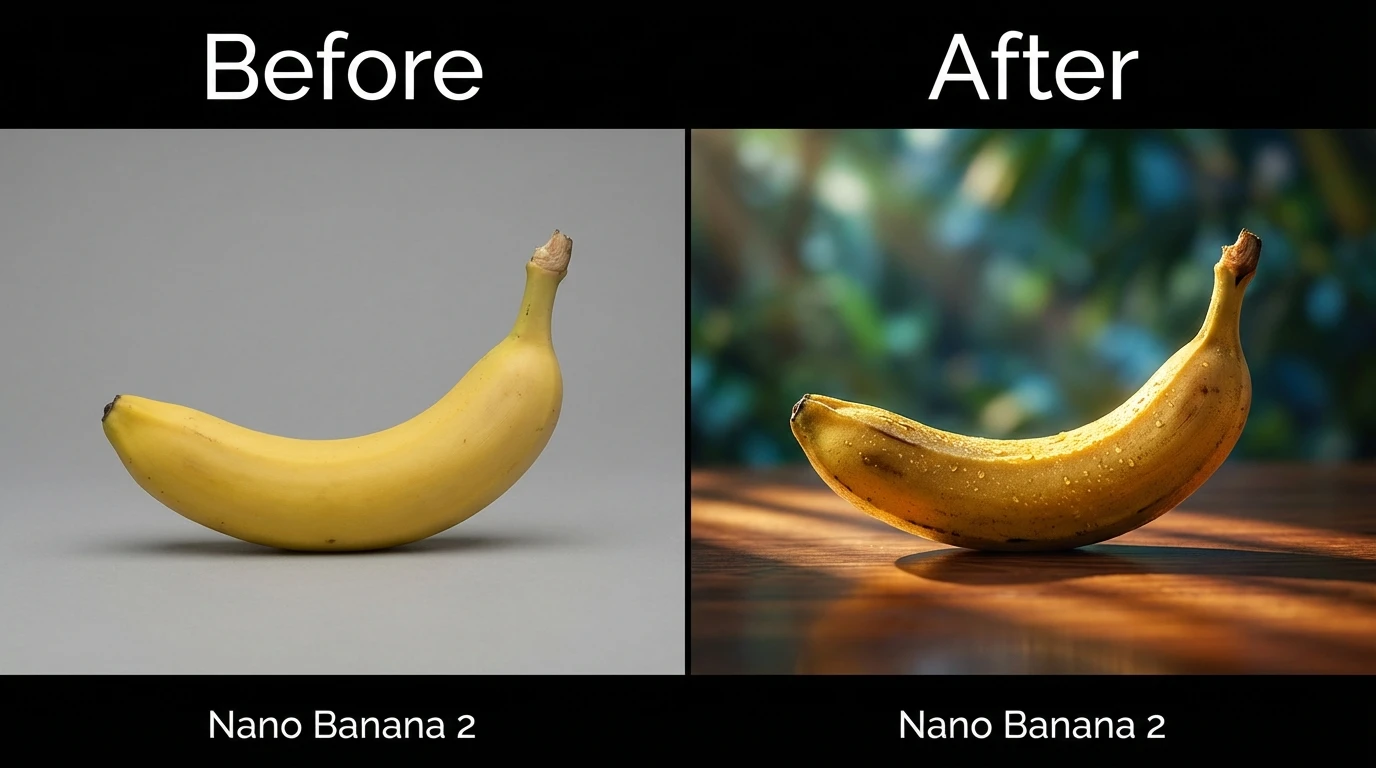
Marketing teams can draft product heroes, social concepts, and campaign variants from a structured brief. Image-to-image mode is useful when a product shape, logo, character, or visual style must remain consistent while the background, lighting, or composition changes.
E-commerce teams can use the three supported aspect ratios to prepare square catalog images, landscape banners, and portrait social assets. Explicitly state packaging details, material texture, colors, and text that must remain accurate in every prompt.
Creative teams can also explore storyboards, editorial scenes, and presentation visuals before handing a selected direction to a designer for final review. Generated output should still be checked for factual, brand, legal, and accessibility requirements before publication.
Nano Banana 2 is the product name for Gemini 3.1 Flash Image, an image generation and editing model introduced by Google on February 26, 2026. Banana AI Pro provides an independent interface for accessing this workflow.
Generation requests from this page use the provider model identifier nano-banana-2. The official Google model name associated with Nano Banana 2 is Gemini 3.1 Flash Image.
Yes. Text-to-image creates a new image from a prompt, while image-to-image lets you upload up to five references and describe what should change or remain consistent.
Each Nano Banana 2 generation costs 10 Banana AI Pro credits. The page supports 1:1, 16:9, and 9:16 aspect ratios in both generation workflows.
Use a clear instruction that covers the subject, setting, composition, lighting, text, and output purpose. For edits, explicitly separate details that must stay unchanged from the elements you want to modify.
Usage rights depend on your source materials, the applicable provider and platform terms, and local law. Review the Banana AI Pro Terms of Service and relevant model policies before publishing commercial work.
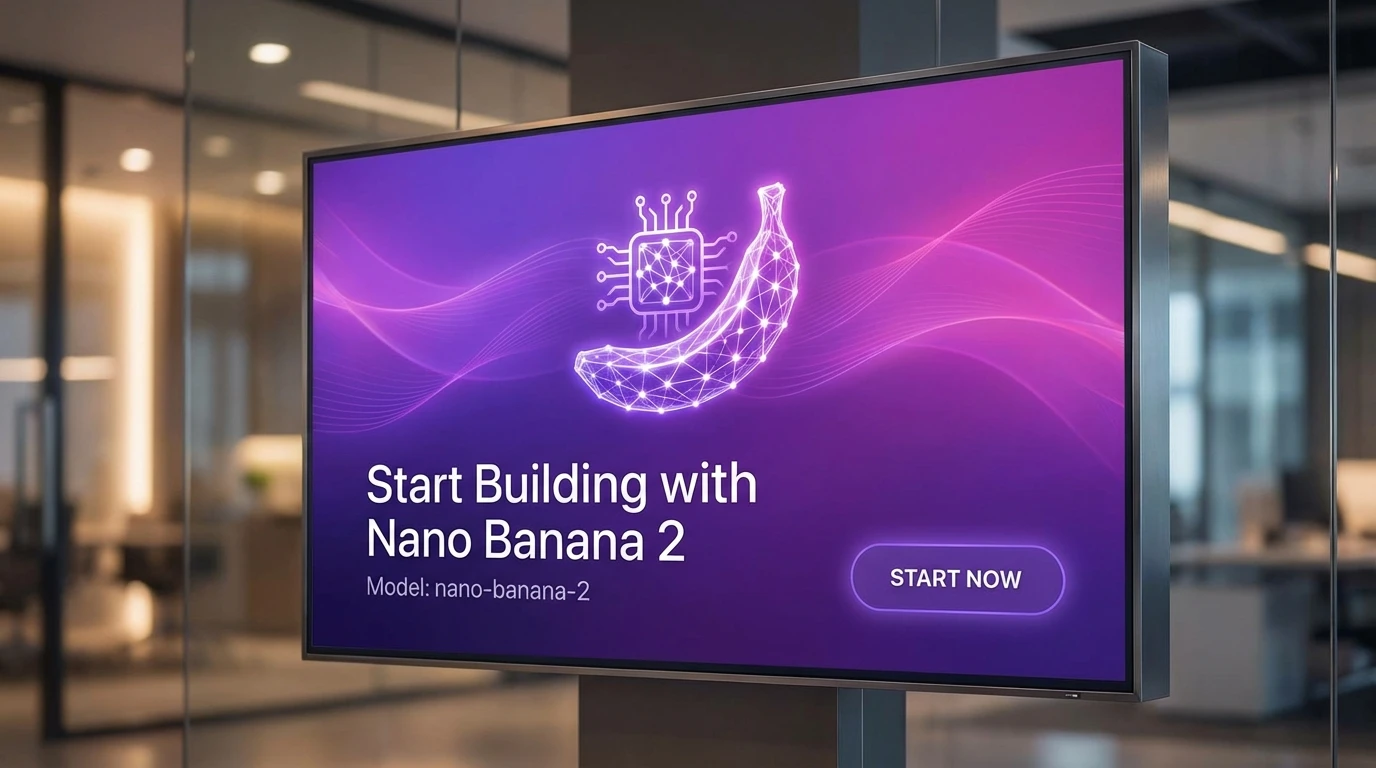
Choose text-to-image or upload references for an edit, describe the result you need, and generate your next 4K image for 10 credits.